Implementation
WMS Training Plan for Warehouse Staff
- Category
- Implementation
- Published
- 15 Oct 2026
- Last verified
- 15 Oct 2026
- Reading time
- 5 min
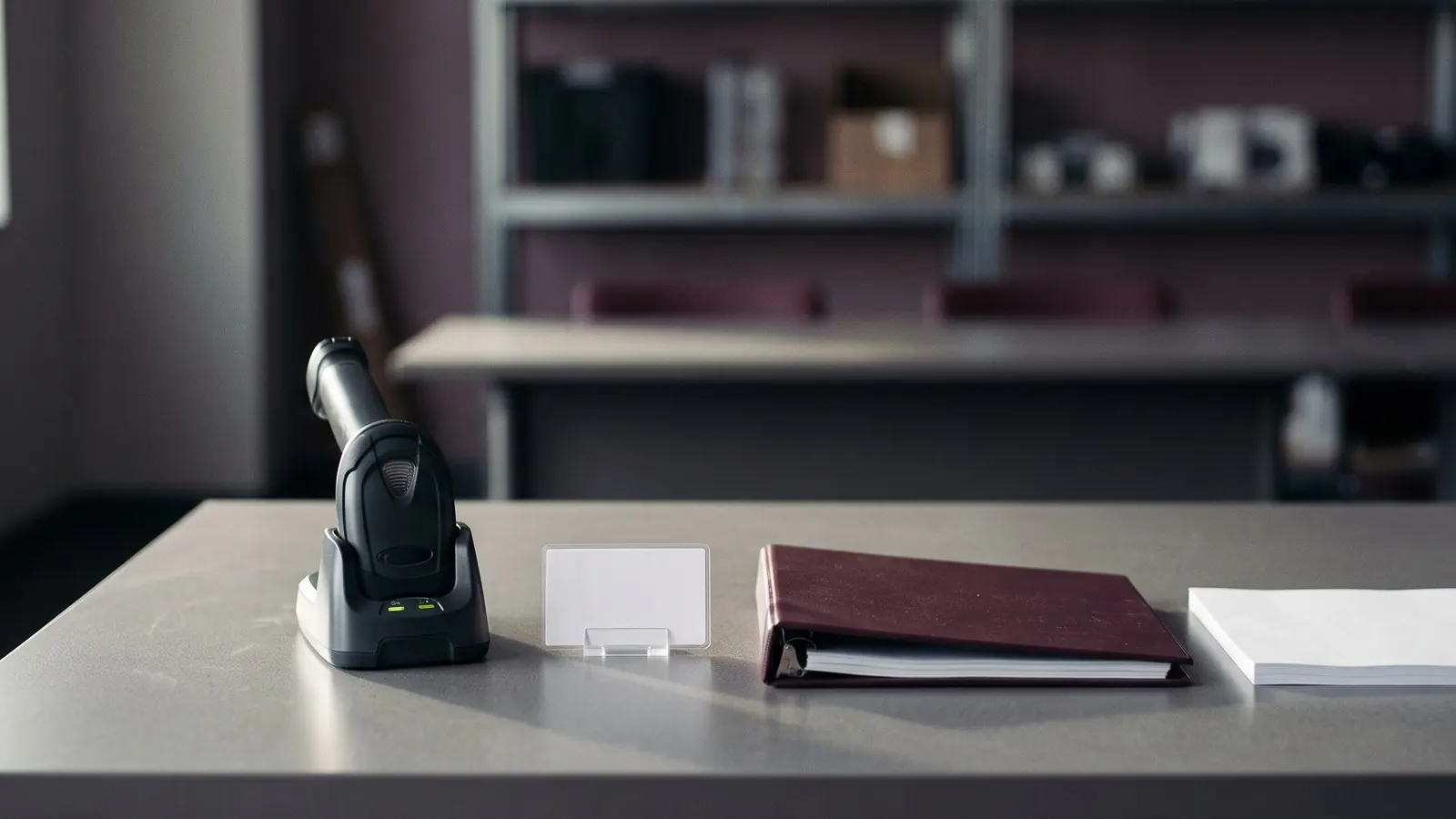
Most WMS training fails in the same way: a vendor demonstration in a meeting room, forty minutes of screens, then everyone back to work on Monday with nothing in their hands. Staff remember what they do, not what they watch.
This plan is for the weeks before and after go-live. The overall project order is in the implementation checklist by phase, and the day itself is in the go-live day plan. Here the subject is how people learn.
Start with who needs what
List every role that will touch the system, then write what each one does in it. Do not train a role on screens it will never use.
| Role | Needs to learn |
|---|---|
| Receiver | Receiving against a delivery, short and over receipts, damaged goods, labels |
| Putaway driver | Directed or manual putaway, changing a location, confirming by scan |
| Picker | Pick tasks, short picks, wrong scans, substitutions, handing off to packing |
| Packer | Checking items, cartons, labels, missing item flags |
| Inventory controller | Counts, adjustments, status changes, reasons and approvals |
| Floor lead | Reassigning work, seeing what is late, overrides, the issues list |
| Office and customer service | Order lookup, stock enquiries, returns authorisations, reports |
| Billing (for a 3PL) | Activity records, charges, adjustments, exports |
Each row becomes a session. A picker should not sit through the billing screens, and billing does not need to learn the scanner.
Ask the vendor what training they provide, in what format and for how many people. Do not assume it covers your whole team. In many projects the vendor trains a few key people and those people train the rest, which is a reason to choose them carefully.
Pick the trainers early
The people who teach the floor are usually your own staff. Choose them for how the team already treats them, not for rank.
- Choose one super user per shift, from the floor. This is a person colleagues already go to with questions.
- Give them the system before the others, with time to practise on the test data.
- Make clear what the role is: answer questions, spot patterns, report problems. It is not doing other people's tasks.
- Name a backup for each super user, so a day off does not leave a shift without help.
Make sure supervisors and super users are in the same sessions as the first test scenarios, so they have seen the real flows before they teach them.
Train on the floor, with the real devices
Sessions work best when they are:
- Short. Thirty to forty-five minutes, one flow at a time, then back to work. Several short sessions stick better than one long day.
- On the floor. Use the real scanners, the real printers, the real labels, in the real aisles. Signal problems, Wi-Fi dead spots and awkward screens show up here, before go-live.
- On your data. Practise with your own items and locations, set up in the training environment. A demo that moves "Item A" from "Location 1" teaches less than one that moves a product the picker handles every day.
- Hands-on. Each person does the task, with the trainer watching. Let them make mistakes in the test system and see what the screen says.
Include the exceptions in every session, because they are what people struggle with later: the item that will not scan, the location that is full, the short pick, the box that does not match. Normal flows are easy to learn from a screen. Exceptions need practice.
A hypothetical example: a receiving session in a small 3PL. The trainer prepares a delivery of six pallets in the test system, one with a damaged carton and one with a pallet label that will not scan. Each receiver receives the delivery, handles both problems and puts the pallets away. Twenty minutes in, they have seen the normal flow and the two problems they will meet most often.
Make quick cards
A quick card is one page, stuck at the station, that shows how to do one task.
- One task per card: "Receive a pallet", "Short pick", "Reprint a label".
- Numbered steps, short words, a screenshot only if it helps.
- The exception on the same card, in a box at the bottom: "If the scan fails, do this".
- A name and a phone number at the bottom: who to call.
- Laminated or in a sleeve, at the point of use.
Write the cards with the people who will use them, then test each card by giving it to someone who has not seen the task. Wherever they hesitate, rewrite it.
Plan the downtime procedure
Every system goes down sometimes: a network cut, a printer fault, a vendor outage. Staff need to know what to do before it happens.
Write a one page procedure with:
- Who decides that the system is down, and how everyone is told.
- What to do with work in progress.
- What to record on paper, using prepared forms, and where the forms are kept.
- How the paper records are entered afterwards, and who checks them.
- Who to call, in which order, with numbers.
- When the team stops waiting and goes to the rollback plan, if one exists.
Practise it once, in a quiet hour, before go-live. A drill takes twenty minutes and shows whether the forms and phone numbers are where you said they were.
After go-live
Training does not end on the first day.
- Walk the floor each morning in the first weeks and watch where people hesitate.
- Collect questions on the issues list and turn the repeat ones into quick cards or a short refresher.
- Check the same mistakes by looking at adjustments and short picks in the reports, then address them with the person and the process, not only with a reminder.
- Train new hires on the real system from their first week, using the same cards and the same super users.
- When the vendor releases a change that alters a screen, update the card the same day.
When you are still comparing vendors, ask in the RFP how training is delivered, how many of your people it covers and what the vendor expects from your staff. The question is in the RFP template, section five.
Questions people ask
How should you train warehouse staff on a new WMS?
Train by role, in short sessions on the floor with the real handhelds and printers, using your own items and locations. Follow with quick cards at each station and a super user on every shift.
What is a super user in a WMS rollout?
A regular staff member on a shift who learns the system a little earlier and deeper than the rest, and is the first person colleagues ask. They answer questions and report patterns, but they do not do other people's tasks.
Should everyone be trained on every WMS screen?
No. A picker needs the pick flow and the exceptions around it. Receiving staff need receiving, putaway and discrepancies. Teach what each role touches, and give office roles their own sessions.
What should staff do if the WMS goes down?
Follow a written downtime procedure that names who decides, what to record on paper, how to enter it later and who to call. Practise it once before go-live.
Sources
- No third-party facts, prices or vendor claims are used on this page. The plan is original working material and the example is hypothetical.